 RISC-V Test Matrix
Bianbu @ BIT-BRICK K1 Test Report
System Version
3.0 beta1
Status
GOOD
System Variant
Star
Last Update
2025-11-02
Bianbu BIT-BRICK K1 Test Report
Test Environment
System Information
- Download Links: https://archive.spacemit.com/image/k1/version/bianbu-computer/v3.0beta1/
- Reference Installation Document: https://docs.bit-brick.com/docs/k1/getting-started/preparation
Hardware Information
- BIT-BRICK K1
- Power Adapter
- A microSD Card
- A USB to UART Debugger
Installation Steps
Flashing the Image (SD Card)
Please make sure to choose the file ending with .img.zip
After downloading and extracting the image, use dd to flash the image to the microSD card.
unzip bianbu-25.04-star-k1-v3.0beta1-release-20251015152320.img
sudo dd if=bianbu-25.04-star-k1-v3.0beta1-release-20251015152320.img of=/dev/sdX bs=1M status=progress
Logging into the System
Logging into the system via the serial port.
Default Username: root
Default Password: bianbu
Actual Results
Boot Log
Bianbu 3.0beta1 k1 ttyS0
k1 login: root
密码:
Welcome to Bianbu 3.0beta1 (GNU/Linux 6.6.63 riscv64)

 * Documentation:  https://bianbu.spacemit.com
 * Support:        https://ticket.spacemit.com

root@k1:~# uname -a
Linux k1 6.6.63 #2.2.7.3+20250917010805 SMP PREEMPT Tue Sep 16 19:38:16 UTC 2025 riscv64 riscv64 riscv64 GNU/Linux
root@k1:~# cat /etc/os-release
PRETTY_NAME="Bianbu Star 3.0beta1"
NAME="Bianbu"
VERSION_ID="3.0beta1"
VERSION="3.0beta1 (Plucky Puffin)"
VERSION_CODENAME=plucky
ID=bianbu
ID_LIKE=debian
HOME_URL="https://bianbu.spacemit.com"
SUPPORT_URL="https://bianbu.spacemit.com"
BUG_REPORT_URL="https://ticket.spacemit.com"
PRIVACY_POLICY_URL="https://www.spacemit.com/privacy-policy"
UBUNTU_CODENAME=plucky
LOGO=bianbu-logo
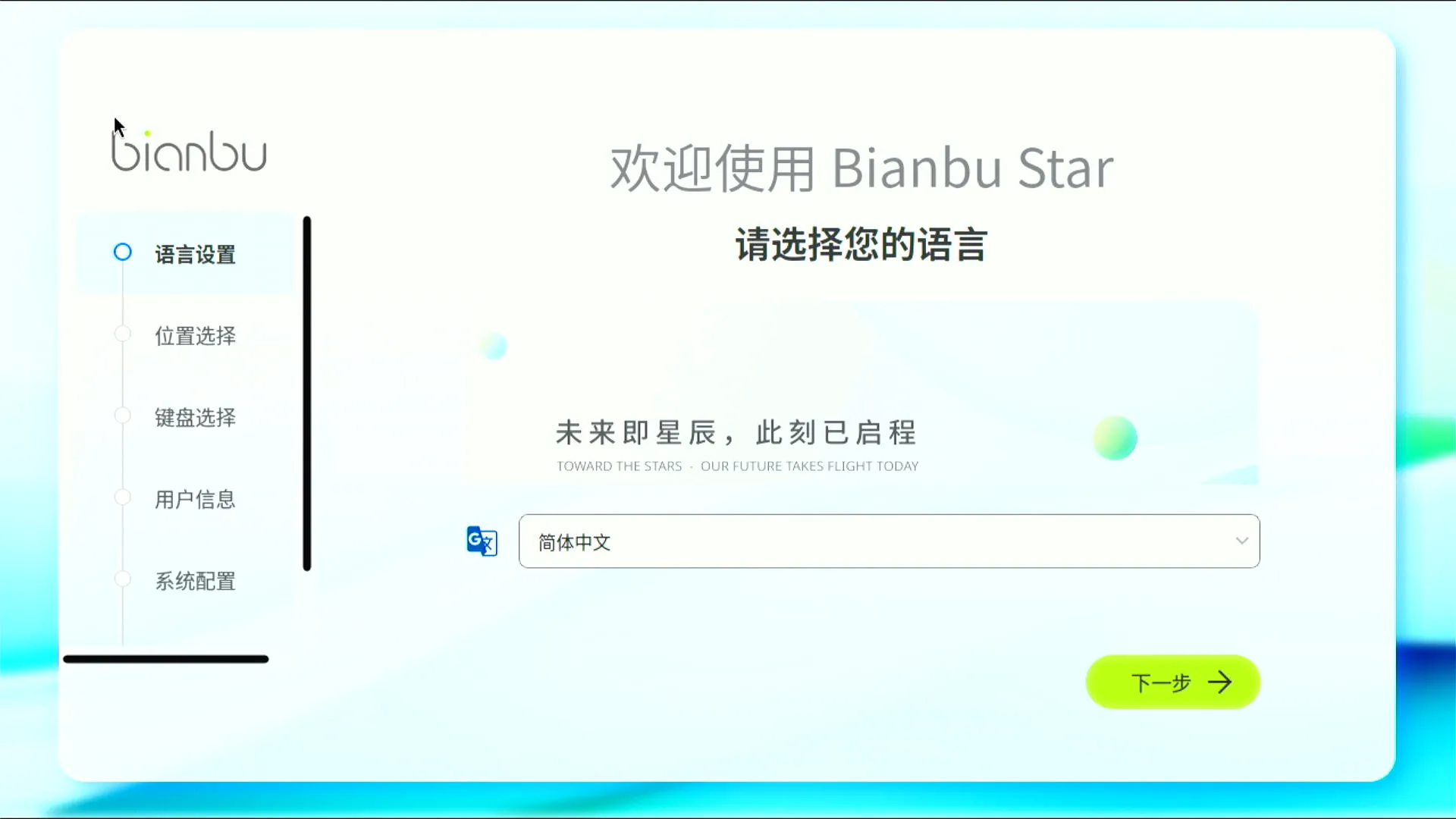
Desktop Environment
Test Conclusion
The system booted successfully and login through the onboard serial port as well as the GUI was successful.
Source: Support Matrix